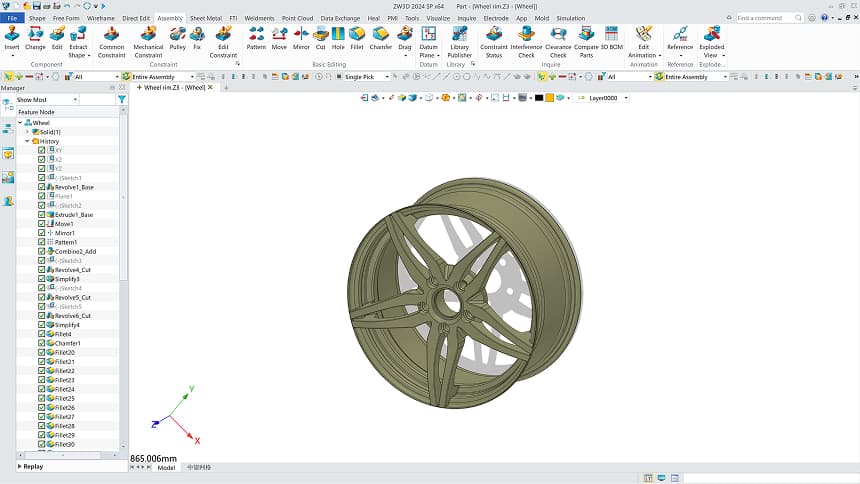
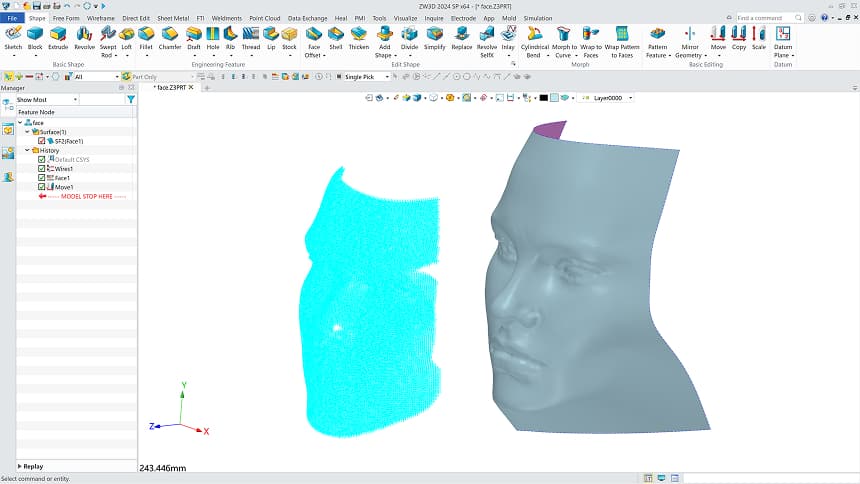



3D CAD (Computer-Aided Design) software is a sophisticated technology used by engineers, architects, and designers to create a complete digital representation of an object.
Unlike 2D CAD, which relies on flat views like floor plans or sections, 3D CAD allows you to build, rotate, and interact with an object in a virtual XYZ coordinate system, capturing its full geometric and physical complexity.
In a 3D CAD environment, you aren't just drawing lines—you are defining geometry with technical intelligence. Every part you design carries real information, such as its size, volume, weight, and the material it is made of. This creates a high-fidelity digital version of your product that you can test and improve on your computer, significantly reducing the number of physical prototypes and tests.


Spot Flaws Instantly
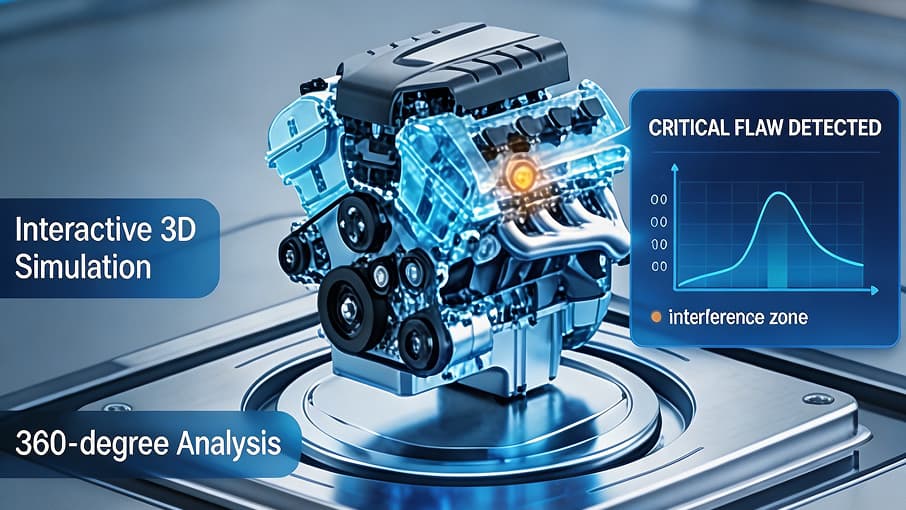
3D models provide 360-degree views and realistic renderings that make design flaws obvious, unlike flat 2D projections. This immersive perspective allows teams, suppliers, and clients to interact with a digital prototype, ensuring everyone is aligned before production begins.

Fix Mistakes Before Production
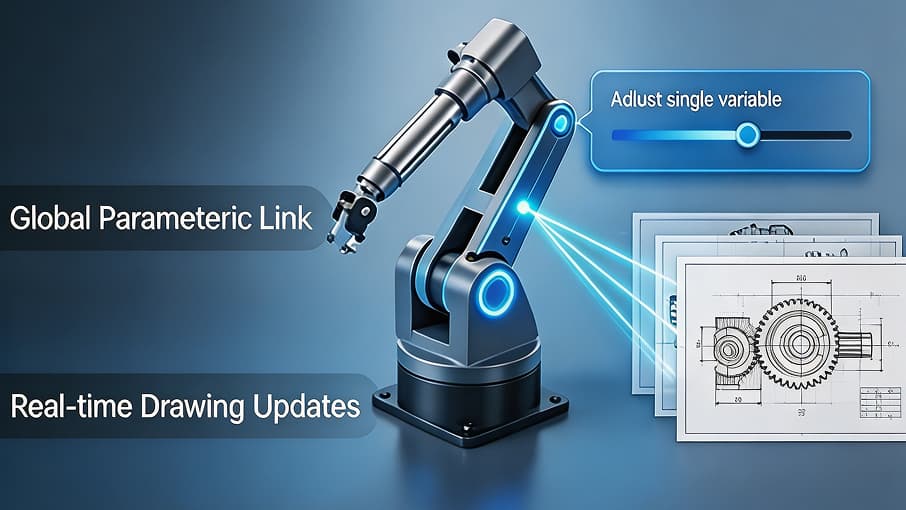
3D design goes beyond basic 2D constraints by linking the entire model's geometry. When the model and drawings are properly associated and constrained, a single parameter change automatically updates the whole assembly and all related documents, eliminating mismatched parts. Integrated tools for clash detection and stress analysis allow you to verify performance in a virtual space, reducing the need for costly physical prototypes.

Faster Delivery and Less Manual Work
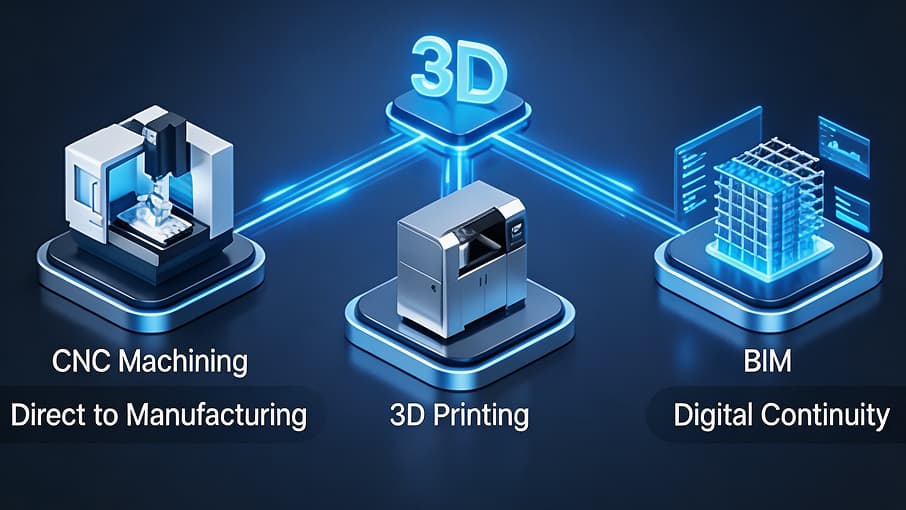
The move to 3D automates repetitive tasks like material take-offs and parts lists, cutting administrative costs. 3D models integrate directly with modern workflows like CNC machining, 3D printing, and BIM. This digital continuity ensures faster iterations and a shorter time-to-market for everything from consumer products to large-scale infrastructure.

Parametric & Direct Modeling
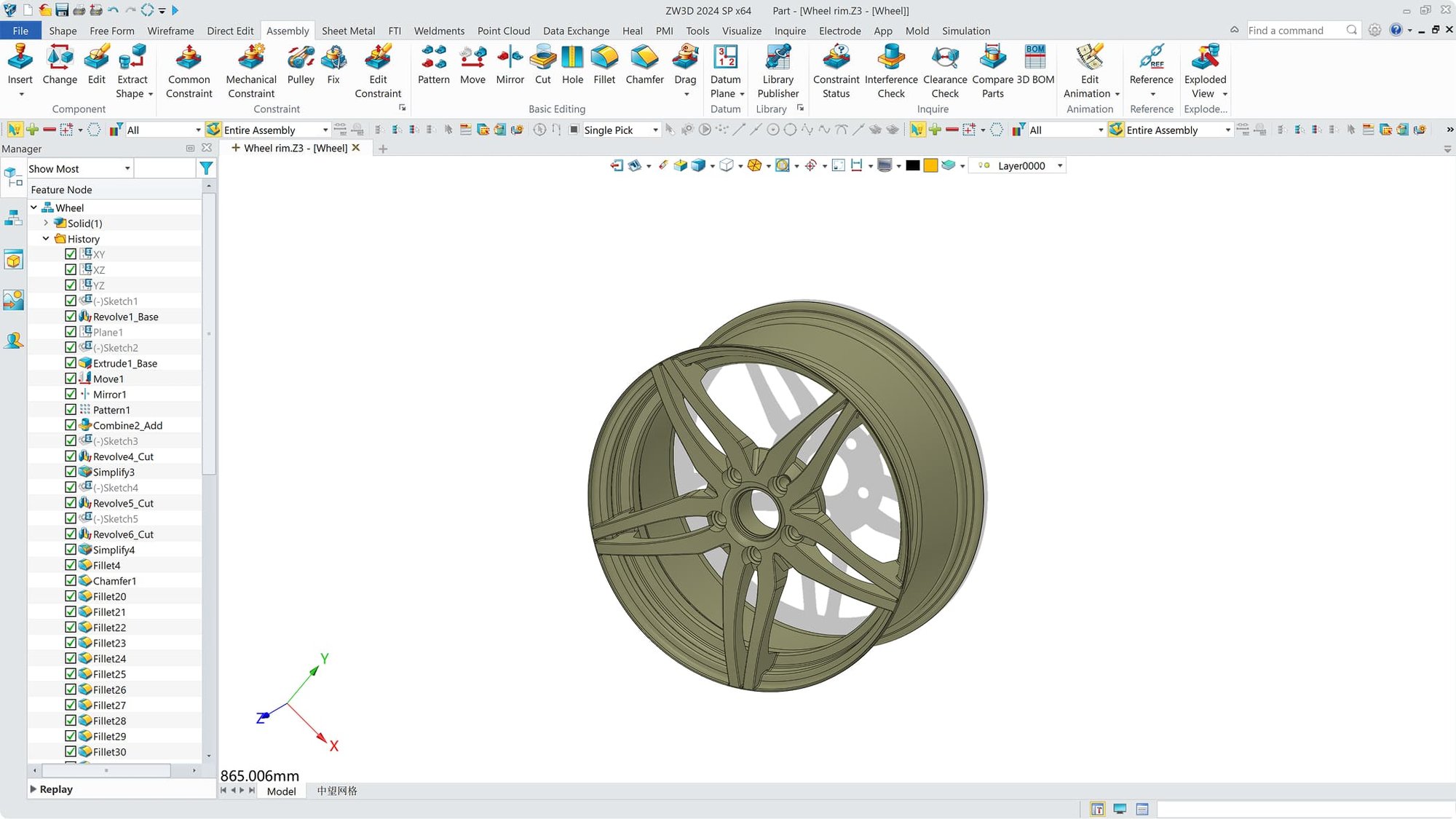
3D CAD allows you to build models using specific dimensions and constraints. With Parametric Modeling, changing one number updates the entire design automatically. For more creative freedom, Direct Modeling lets you push and pull geometry like digital clay, making it easy to iterate without worrying about complex history trees.

Advanced Assembly Management
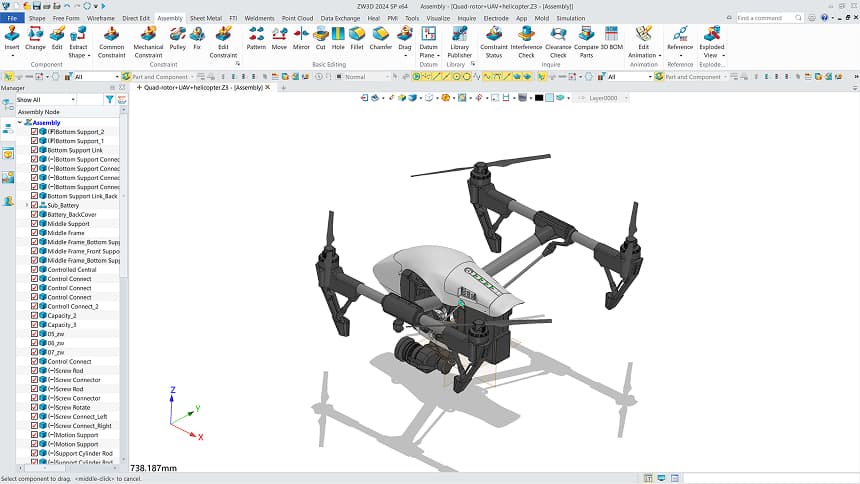
This feature allows you to snap thousands of individual parts together into a single project. You can define how parts move relative to each other and use Clash Detection to instantly highlight any physical interferences, ensuring a perfect fit before manufacturing begins.

Sheet Metal and Weldments
Specialized toolsets automate the design of folded metal parts and structural frames. You can design a complex enclosure in 3D and instantly unfold it into a flat pattern for laser cutting. The software also generates automated cut lists for welded structures, saving hours of manual calculation.

Automated 2D Drawings
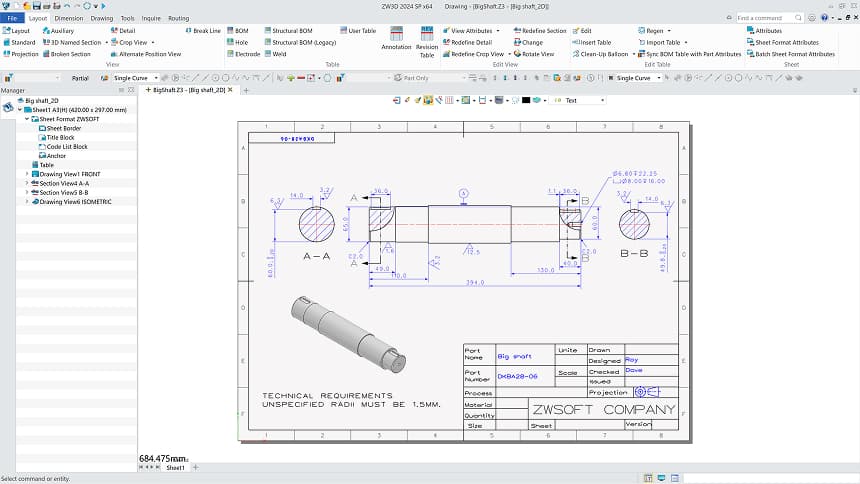
The 3D model serves as the "single source of truth." With one click, you can generate 2D production drawings, sections, and exploded views. Because these drawings are associative, any change made to the 3D model is instantly reflected in all dimensions and annotations on your 2D sheets.

Data Extraction and Reporting
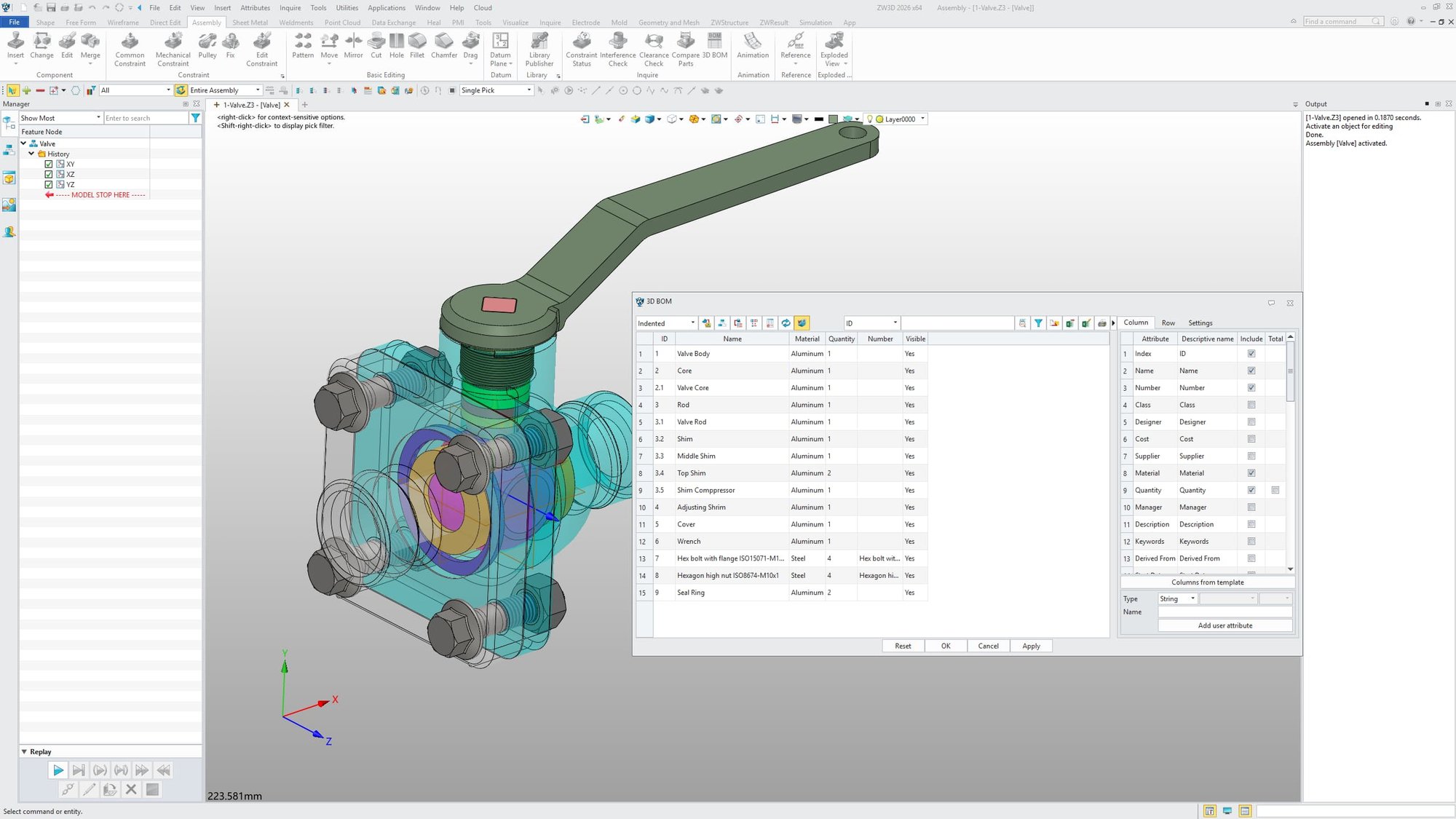
Instead of manually counting screws or measuring areas, 3D CAD provides automated data extraction. It generates accurate Bills of Materials (BOM), Material Take-offs (MTO), and weight reports. This ensures your procurement and bidding processes are based on precise, real-time geometry.

Integrated CAM and CAE Simulation
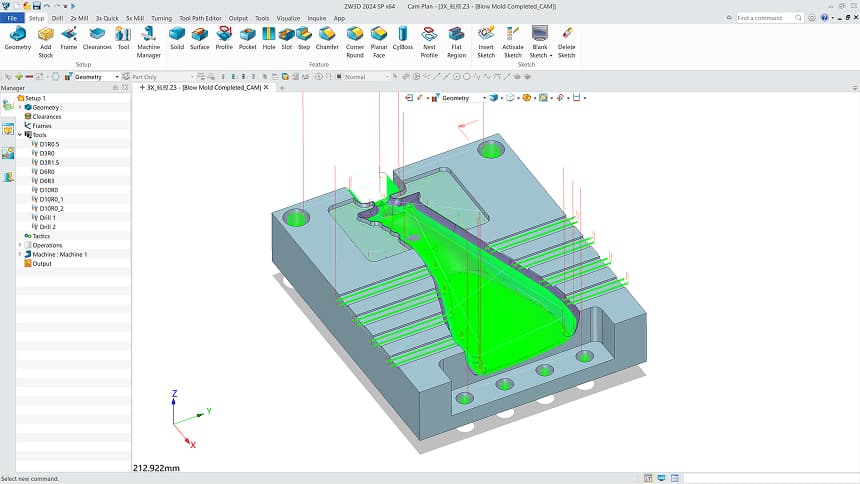
Many professional 3D CAD solutions offer optional CAM and CAE modules or integrations. You can run Stress Analysis to see if a part will break, or use CAM modules to generate G-code for CNC machines. This creates a seamless workflow from the initial digital sketch to the final physical product.
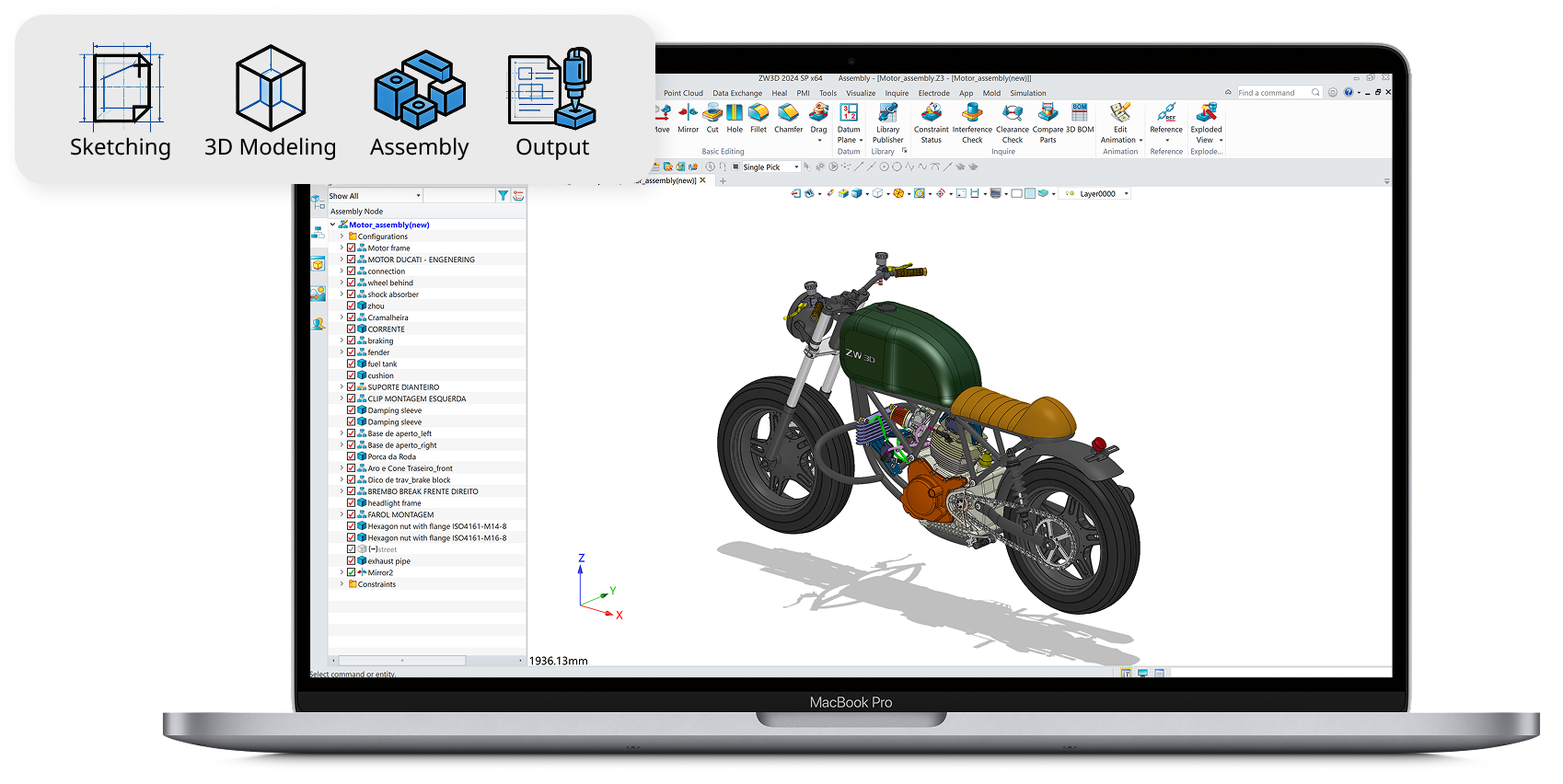
A professional 3D CAD workflow bridges the gap between a concept and a physical product through four essential stages:
Sketching & Constraints: Create 2D geometric profiles and apply dimensions to define the basic shape.
3D Modeling: Transform 2D sketches into 3D geometry using tools like extrude, revolve, or sweep.
Assembly & Verification: Combine multiple parts into a full assembly to check for fit and movement using Clash Detection.
Output & Manufacturing: Generate automated 2D drawings, BOMs, or export files for CNC machining and 3D printing.

Your software must speak the same language as your partners and clients. Check if it supports standard file formats like DWG, STEP, IGES, and STL. It should also integrate seamlessly with your existing tools, such as CAM for manufacturing or rendering software for high-end presentations.

| CAD Software | Best for & Use Case | Key Features | 3D Modeling Tech | Licensing | Price (Approx.) |
![]() |
Machinery & Mechanical Design, Mold & Tooling | Unified CAx Platform with Native Machinery Design Workflows | Solid-Surface Hybrid Modeling | Perpetual (One-time) | $3,000 – $7,500 |
![]() |
Mechanical Assemblies & Industrial Machinery | Massive ecosystem, rich simulation tools, and wide industry adoption | History-based Parametric | Subscription | $2,820 – $4,716 / year |
![]() |
Digital Prototyping & Large-scale Assemblies | Deep integration with Autodesk ecosystem and professional documentation | History-based Parametric | Subscription | $2,585 / year |
![]() |
Fast Product Design & Direct Editing | "Synchronous Technology" for editing non-native files without history | Synchronous (Direct + Parametric) | Subscription | $2,676 – $4,764 / year |
![]() |
Complex Logic & Top-Down Design | Unmatched stability for massive, rule-based engineering assemblies | Advanced Parametric | Subscription | $3,350 – $4,160 / year |
![]() |
Startups & Multi-disciplinary Teams | Unified environment for PCB, CAM, and Generative Design | Cloud-based Multi-modeling | Subscription | $680 – $2,190 / year |
![]() |
Agile Teams & Remote Collaboration | Full version control and multi-user simultaneous editing in a browser | Cloud-native Parametric | Subscription | $1,500 – $2,500 / year |
![]() |
Hobbyists, Students & Open-source Fans | Fully customizable and scriptable via Python for free | Open-source Parametric | Open Source | Free |
*Prices are estimates based on 2026 market data and may vary by region.
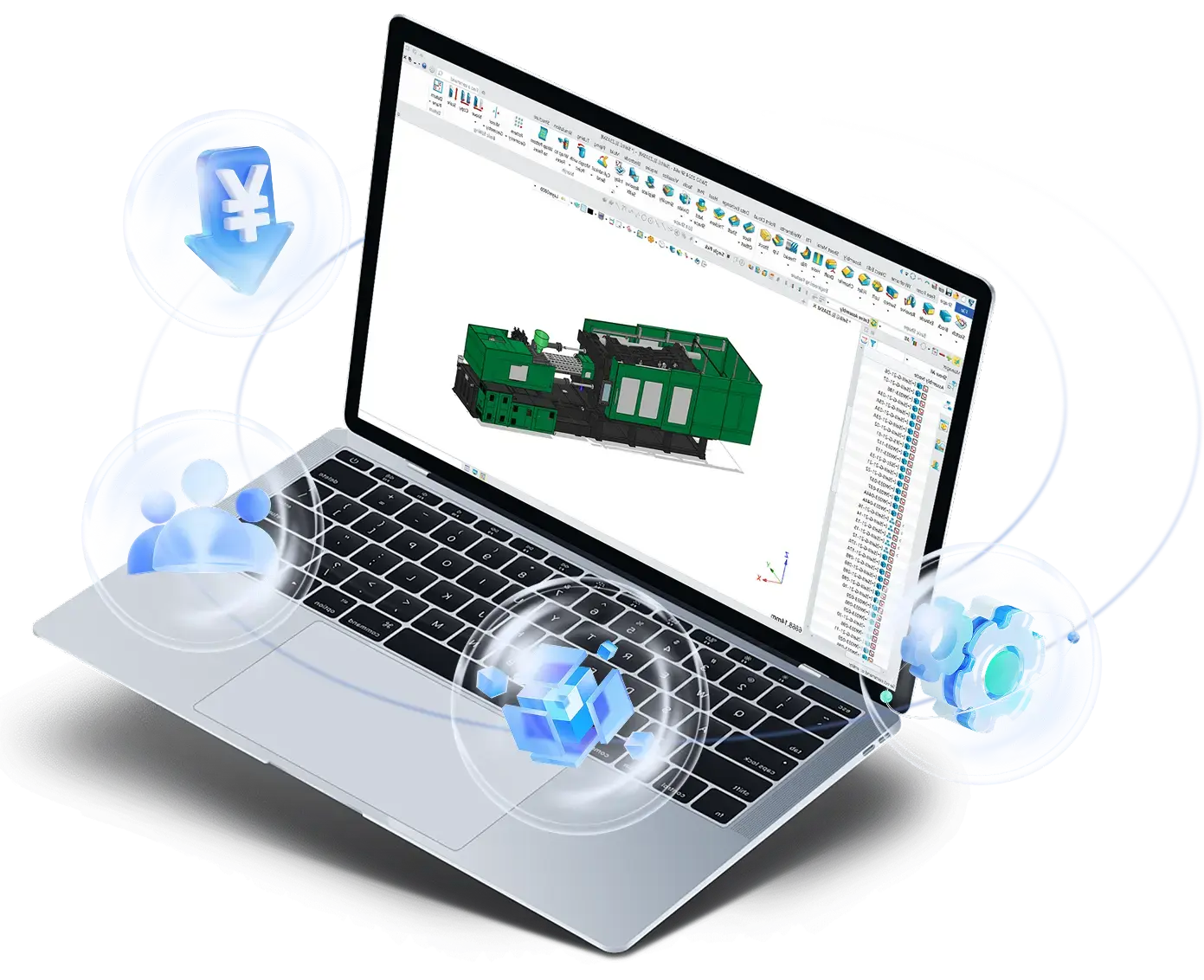
ZW3D is a professional 3D CAD solution built for the machinery and tooling industry. It handles large assemblies with high efficiency, supports seamless reuse of existing designs, and offers lightweight collaboration tools with flexible licensing. By leveraging these capabilities, engineers can streamline their workflow, reduce costs, and bring complex mechanical designs to life faster and more reliably.

3D CAD is more than just a drawing tool, it is a strategic asset that adapts to the unique demands of different sectors.

Machinery & Equipment
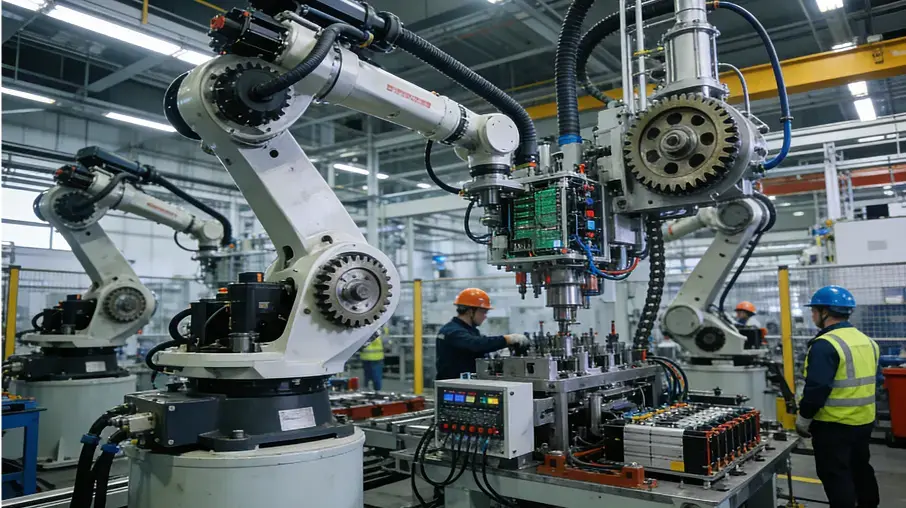
Manage thousands of parts in massive assemblies with ease. 3D models allow for motion analysis and interference checks, ensuring every mechanical component fits and functions perfectly before any metal is cut.

Mold, Die & Tooling
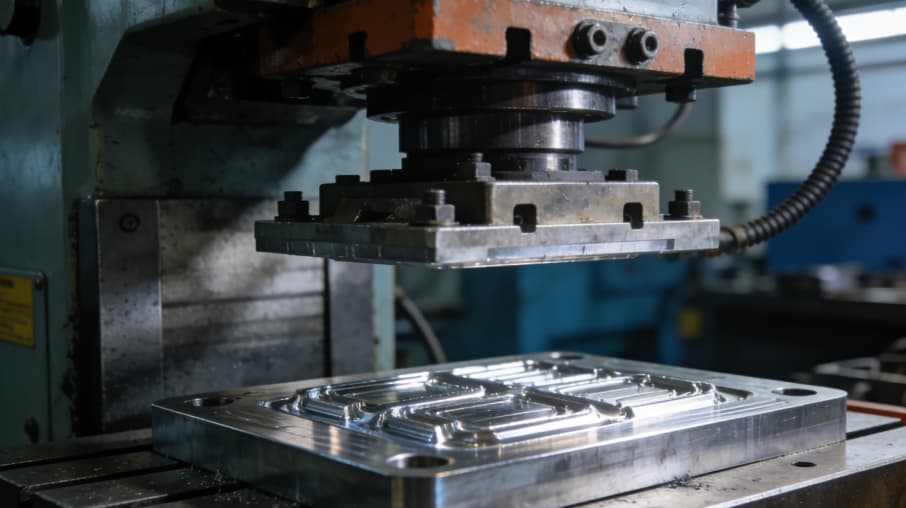
Handle intricate cavities and complex parting lines with precision. Specialized Solid-Surface hybrid modeling automates cooling channel design and core-cavity separation, drastically reducing lead times for complex molds.

Automotive & Transportation
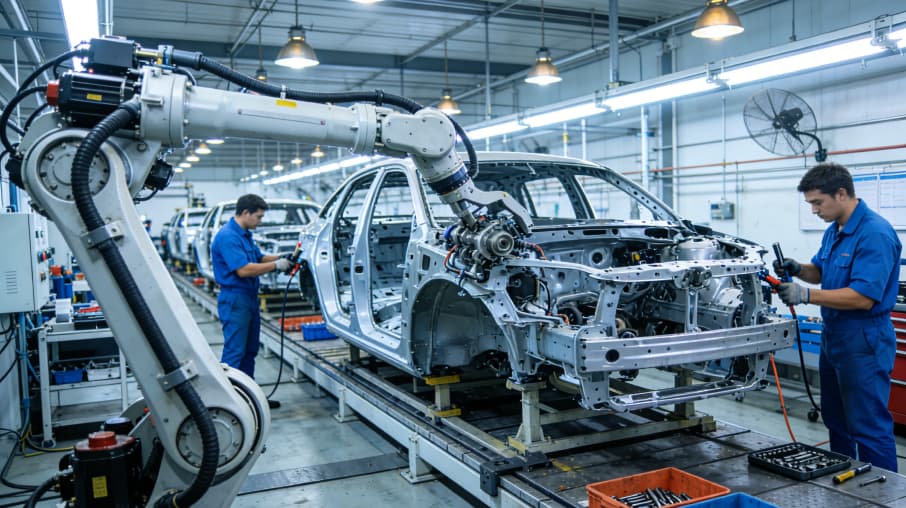
Accelerate development through digital prototyping. 3D CAD enables high-fidelity surface modeling for aerodynamics and virtual crash testing, ensuring vehicle safety and performance without building multiple physical hulls.

Consumer Products
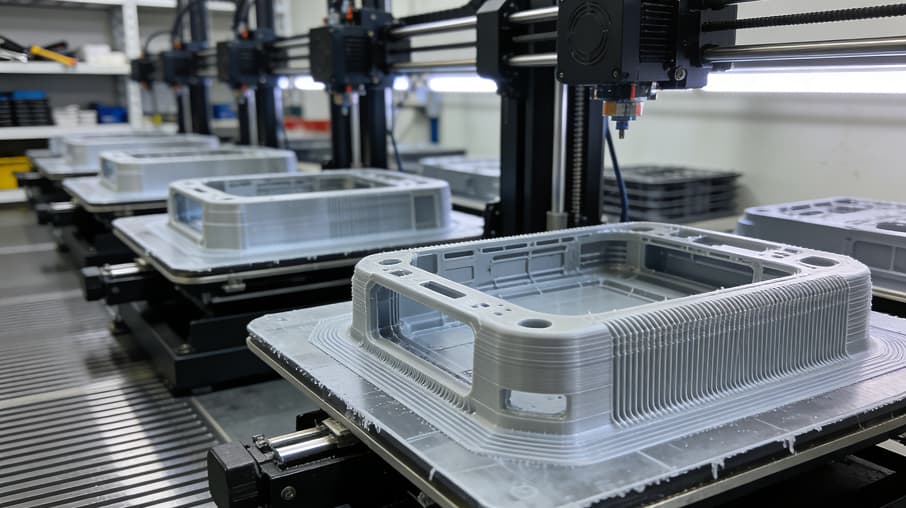
Shorten time-to-market for electronics and appliances. Designers can rapidly iterate on aesthetics while ensuring internal components fit tight enclosures, moving from concept to 3D-printed prototype in days.

Electronic & Electric
Design precision enclosures and PCB housings that perfectly fit internal circuitry. Use interference checking to ensure clearance for connectors and cooling fans, and export 3D models directly for thermal simulation or plastic injection molding to verify heat dissipation and manufacturability.
ZWSOFT has been honored in the G2 2026 Best Software Awards, ranking as a leader in the Asia-Pacific region. This distinction is based on verified user feedback and a strong market presence in the 3D CAD/CAM industry.

While professional tools require investment, FreeCAD is a popular open-source option for hobbyists. For businesses, ZW3D offers a fully functional 30-day free trial to evaluate its professional-grade features before purchasing.
While the conceptual jump from 2D drafting to 3D modeling requires a different mindset, most professional 3D CAD tools today are designed with intuitive interfaces. If you are familiar with standard CAD commands, you will find that features like "sketching" and "extruding" are logical progressions that simplify the transition.
Yes. Most professional 3D CAD solutions support neutral formats like STEP, IGES, and STL. Furthermore, advanced tools like ZW3D include powerful "Multi-CAD" translators that allow you to directly open and edit native files from SOLIDWORKS, CATIA, and Inventor.
Parametric Modeling uses a history-based approach where dimensions and constraints define the geometry (ideal for precision engineering). Direct Modeling allows you to push, pull, and drag geometry without a history tree (ideal for rapid conceptualization and editing non-native files).